Whisparr Docker Setup Guide for Beginners
Deploy Whisparr as a container in minutes: image choice, volumes, ports and first-run configuration.
Read guide →Whisparr is a tool for managing adult movie collections, automating downloads, sorting, renaming, & upgrading quality via Usenet and BitTorrent.
Clean Whisparr ZIP access with setup guides for Docker, NAS, Usenet, BitTorrent, and quality profiles.
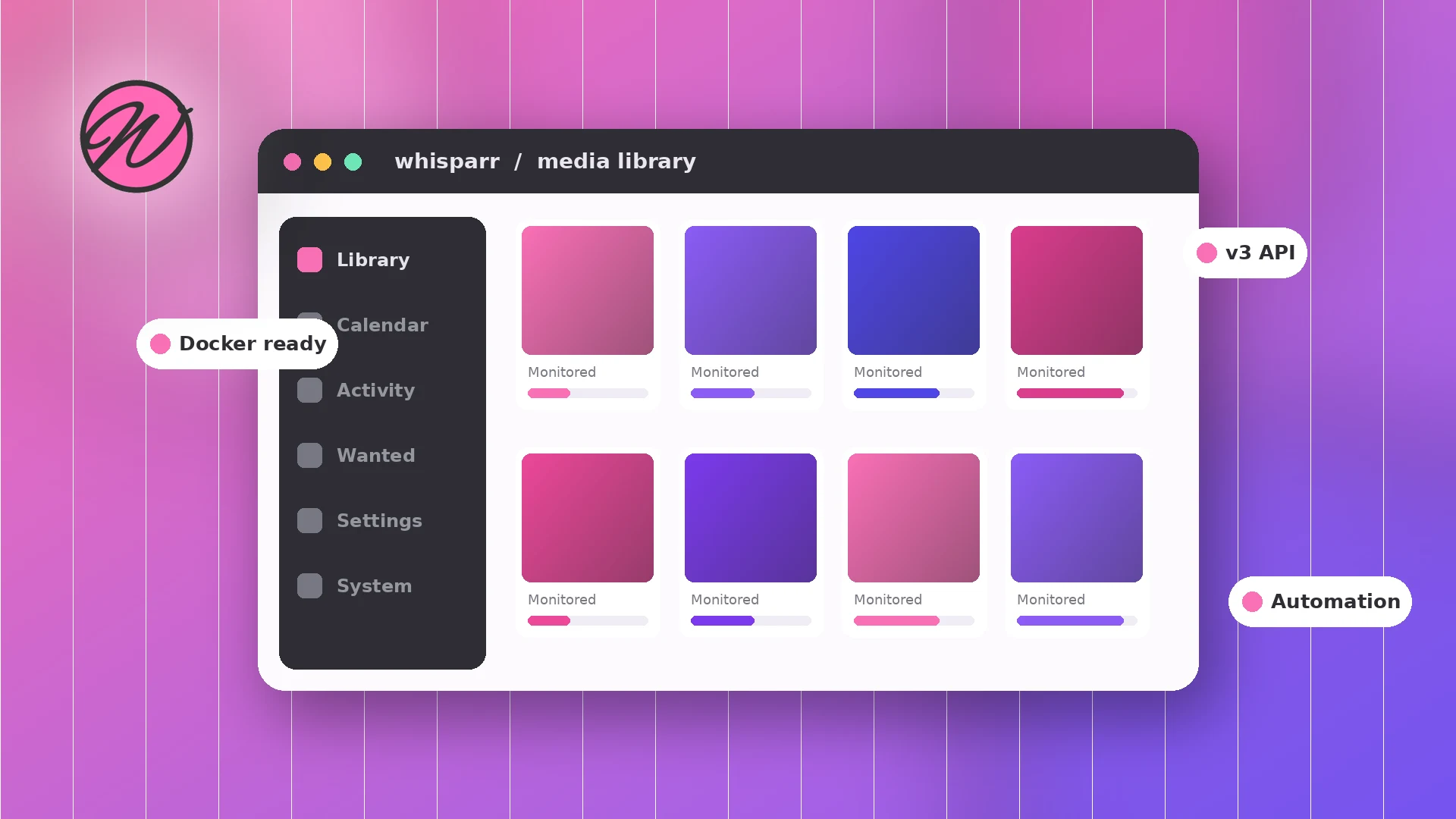
Whisparr is a fork in the well-known *arr family of media automation tools, built on the same foundations as Radarr and Sonarr. Instead of you manually searching, downloading, renaming and filing items one by one, Whisparr watches a monitored list, talks to your indexers, hands grabs to your download client, and then imports everything into a tidy, consistently named library.
Because it shares the *arr architecture, anything you already know from Radarr or Sonarr carries over: quality profiles, root folders, indexer settings, download client connections and the familiar web interface. It runs on Windows, Linux and macOS, and it is especially popular as a Docker container on home servers, TrueNAS SCALE and Synology NAS devices.
Every feature below exists to remove a manual chore from managing a private media library.
Add an item once and Whisparr keeps watching for it. When a matching release appears on your indexers, it is grabbed automatically according to your rules.
Define the quality you want and the ceiling you will accept. Whisparr can automatically replace an existing file when a better version becomes available.
Imports are renamed with a naming scheme you control and filed into your root folder, so the library stays consistent no matter where a file came from.
Connect indexers directly or manage them centrally with Prowlarr and sync them across your whole *arr stack in one place.
Grabs are passed to SABnzbd, NZBGet, qBittorrent and other supported clients. When the download completes, Whisparr imports it automatically.
Whisparr runs entirely on your own hardware — a PC, home server or NAS. Your library, settings and activity stay on machines you control.
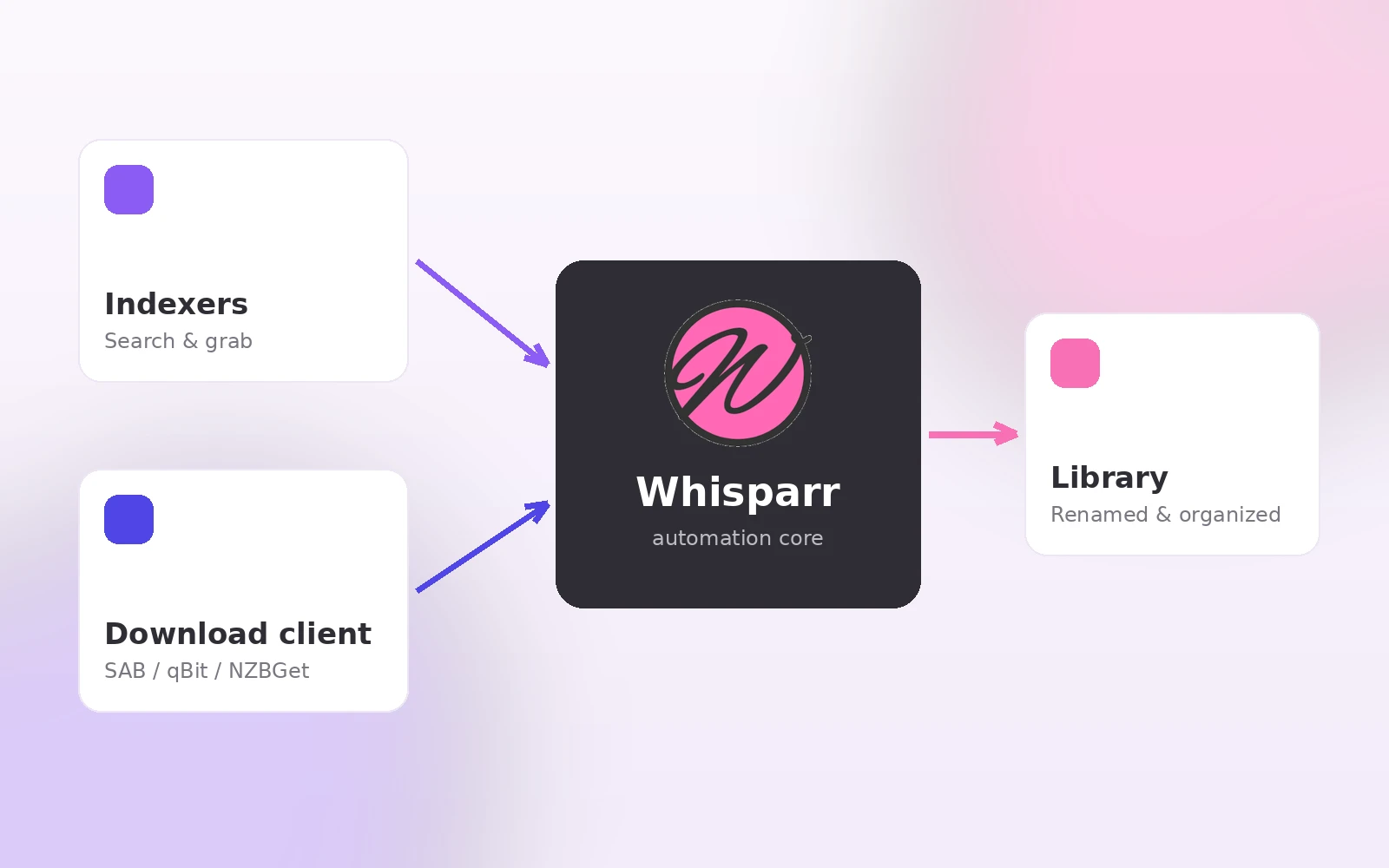
Whisparr sits in the middle of a simple pipeline. Here is the whole loop, end to end.
Search inside the web UI and add what you want to your library with a quality profile and root folder. Monitored items are checked continuously.
Connected indexers are queried for matching releases. Results are scored against your quality settings and custom rules before anything is grabbed.
The best matching release is sent to SABnzbd, NZBGet, qBittorrent or another supported client. Whisparr tracks the transfer in its Activity queue.
Completed downloads are imported into your library, renamed to your naming scheme, and upgraded later if a better quality release shows up.
Whisparr is flexible about hardware. Most people run it 24/7 on a low-power machine.
| Platform | How it runs | Best for |
|---|---|---|
| Windows | Native install, runs as a tray app or service | Trying Whisparr on your main PC |
| Linux | Native packages or Docker container | Home servers and VPS setups |
| macOS | Native app or Docker Desktop | Mac-based home setups |
| Docker | Community images via docker run or Compose | Clean, reproducible deployments |
| TrueNAS SCALE | App catalog or custom Docker app | NAS owners with large storage pools |
| Synology NAS | Container Manager (Docker) project | Plug-and-play NAS automation |
Exact system requirements depend on the branch you install — check the official source for the latest notes before deploying to older hardware.
Use this section for the Whisparr repository archive. The ZIP is provided without extra wording, bundled installers, or repacked files.
Download Now
A few simple habits keep your setup clean and your system safe.
Only download from the official source. The main button on this page points to the official repository archive. Avoid repacked installers, "activated" builds or bundles from unfamiliar download portals.
Whisparr never asks for payment. It is free, open-source software. Any site charging for a Whisparr "license", "pro version" or "unlock key" is not legitimate.
Secure the web interface. Enable authentication in Settings before exposing Whisparr beyond your local network, and prefer a VPN or reverse proxy with HTTPS over opening ports directly.
Respect your local laws. Whisparr is an automation tool. You are responsible for what you download with it and for complying with the laws and content regulations that apply where you live.
Windows / macOS / Linux (native). Extract or install the official release, start Whisparr, then open the web interface in your browser — by default it listens on port 6969 on the machine where it runs.
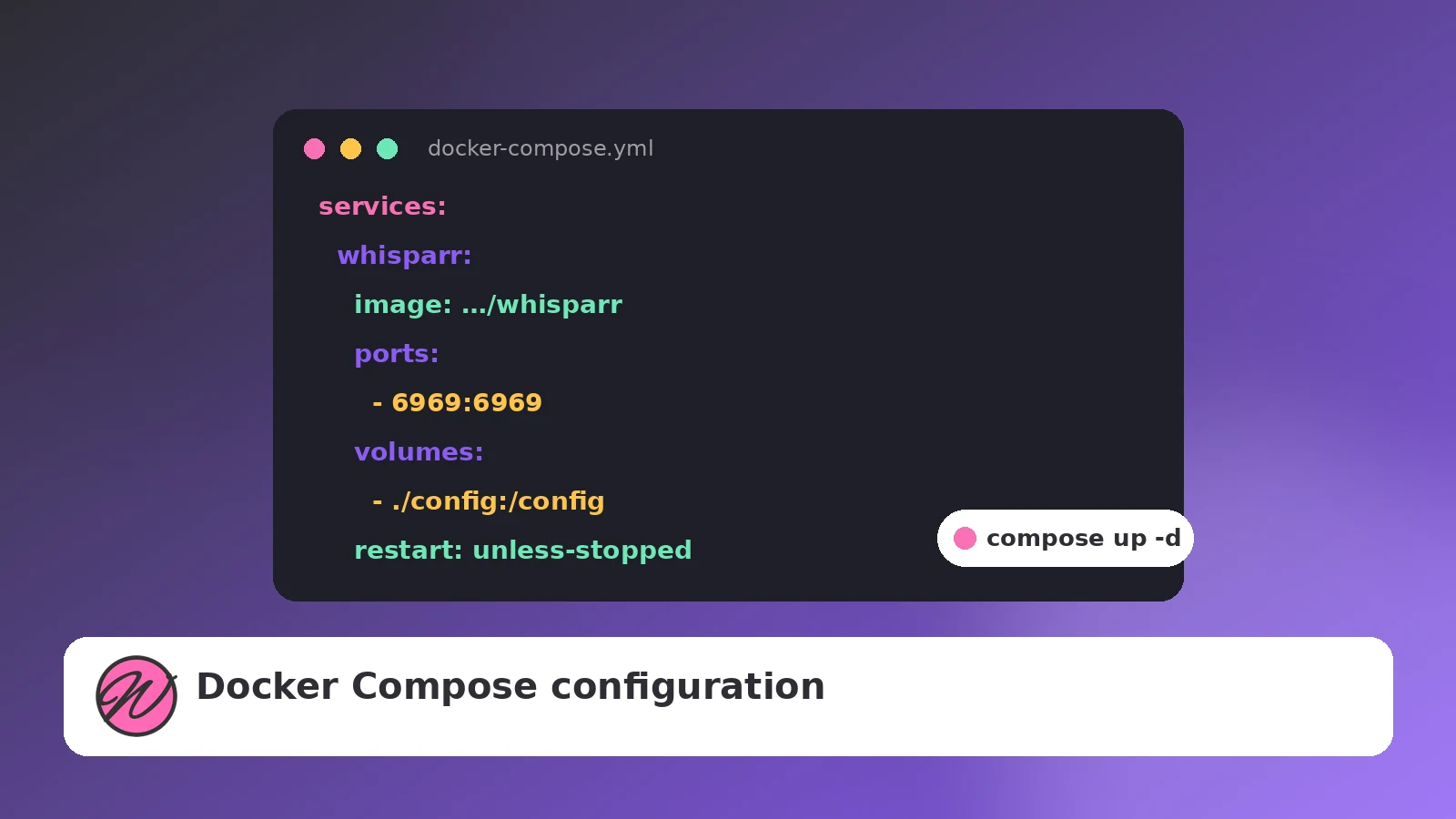
Docker (recommended for servers). Deploy a community-maintained image with docker run or a small Compose file. Map a config volume, your data volume and the web port, and the container survives updates and reboots cleanly.
NAS (TrueNAS SCALE / Synology). Both platforms run Whisparr as a container with a friendly UI on top. Our step-by-step NAS guides cover storage paths, permissions and networking.
Add Whisparr to an existing *arr stack on your Linux box or mini PC and manage everything from one browser tab.
Run it 24/7 on TrueNAS SCALE or a Synology unit next to your storage, with hardlink-friendly folder layouts.
Already comfortable with the *arr workflow? Whisparr uses the same concepts, so setup takes minutes, not evenings.
If inconsistent file names and scattered folders bother you, Whisparr's renaming and import rules keep everything uniform.
Whisparr development moves across branches. The v2 develop branch is the widely used line that the download on this page points to. The v3 branch is a newer generation with a reworked data model and updated API — many Docker users run it by selecting a v3 image tag.
Because branch status, features and stability change over time, we deliberately do not print version numbers here. Before installing or upgrading, check the official source for the latest release notes, and read our v3 guide to understand what changes between the branches.
Read the Whisparr v3 guide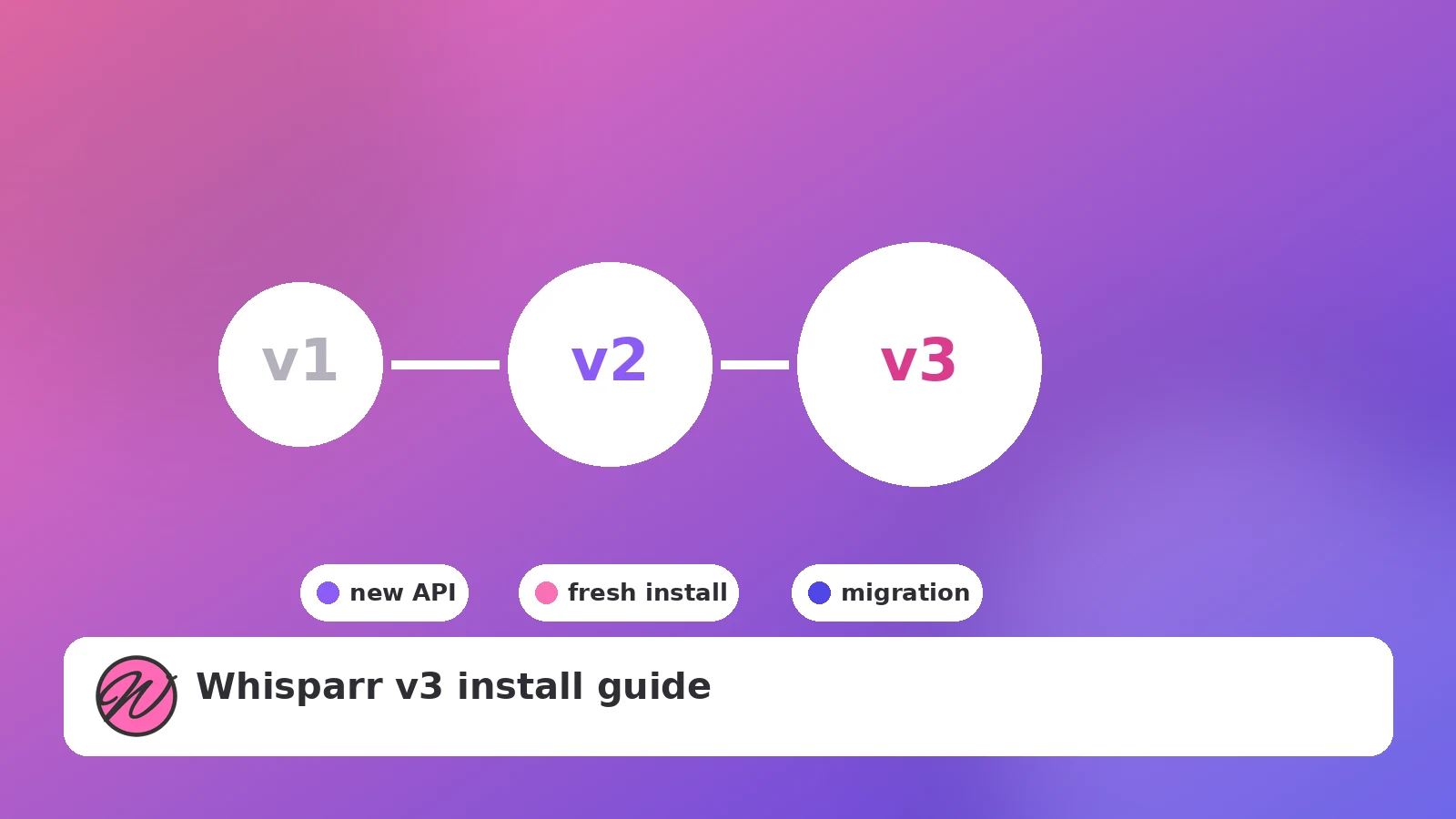
Most Whisparr problems fall into a handful of categories. Start here before digging into logs.
Confirm the service or container is actually running, then check the port. In Docker, make sure the container port is published to the host and no other app is already using it.
Test each indexer in Settings. Expired API keys, changed indexer URLs and rate limits cause most failures. If you use Prowlarr, re-sync the apps after fixing anything there.
This is almost always a path mismatch: Whisparr and the download client must see the completed files at a path both can access. Remote path mappings fix it in split setups.
In Docker and on NAS devices, set PUID/PGID (or the platform equivalent) so the container user owns its config and can write to your media folders.
Step-by-step, screenshot-free and written for beginners. Browse all nine guides on the blog page.
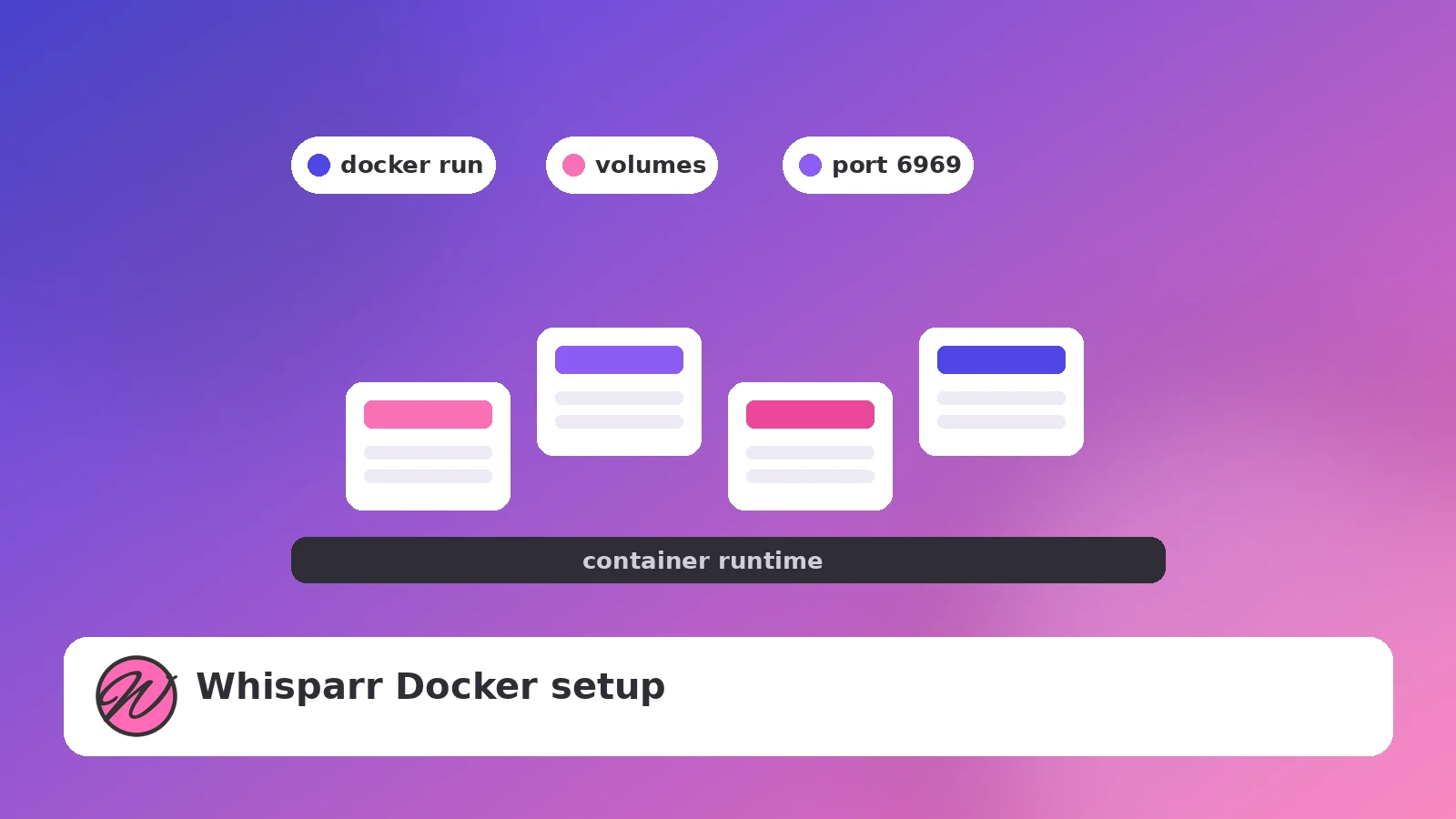
Deploy Whisparr as a container in minutes: image choice, volumes, ports and first-run configuration.
Read guide →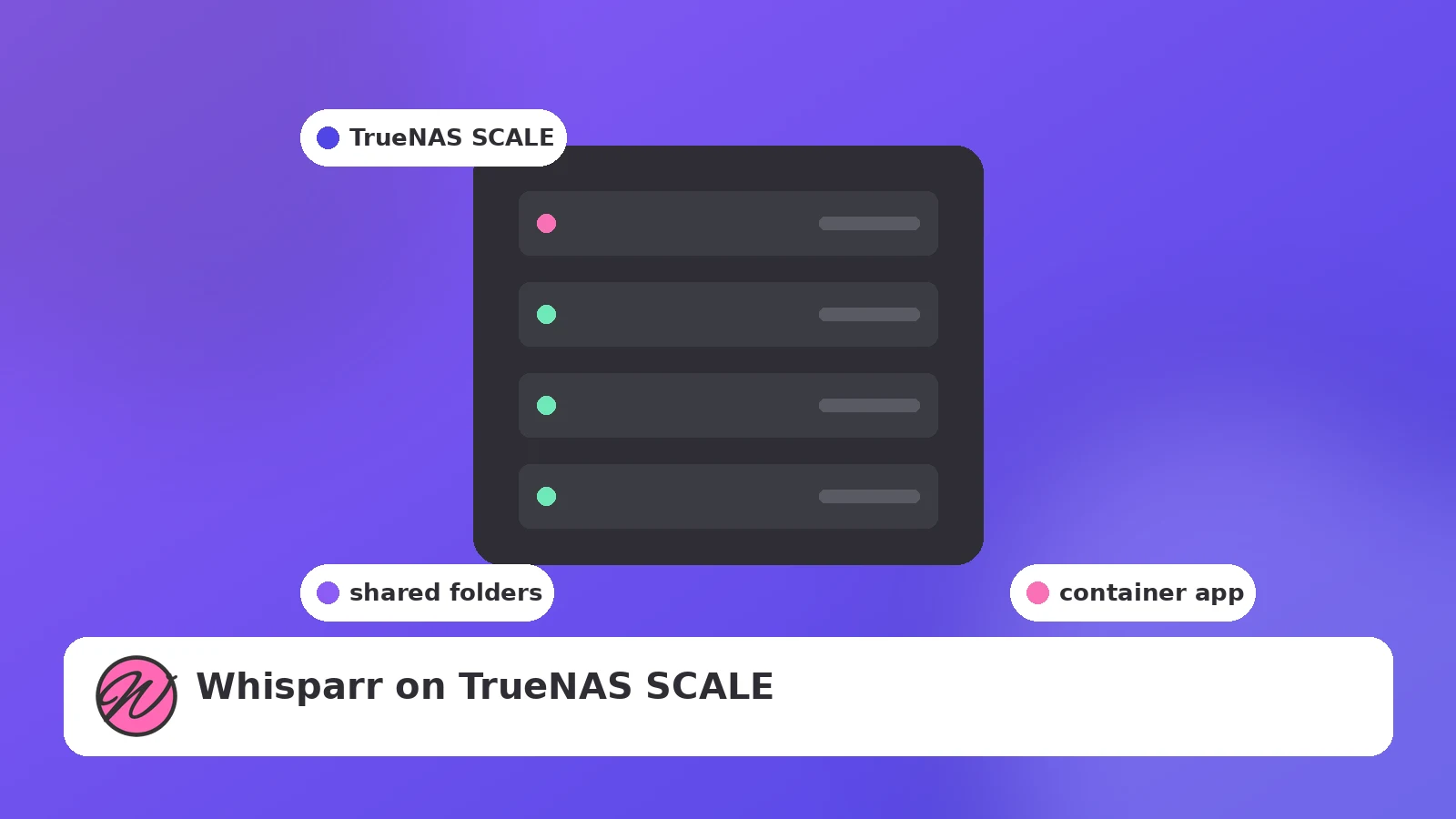
Datasets, host paths, permissions and app deployment on TrueNAS SCALE, explained in order.
Read guide →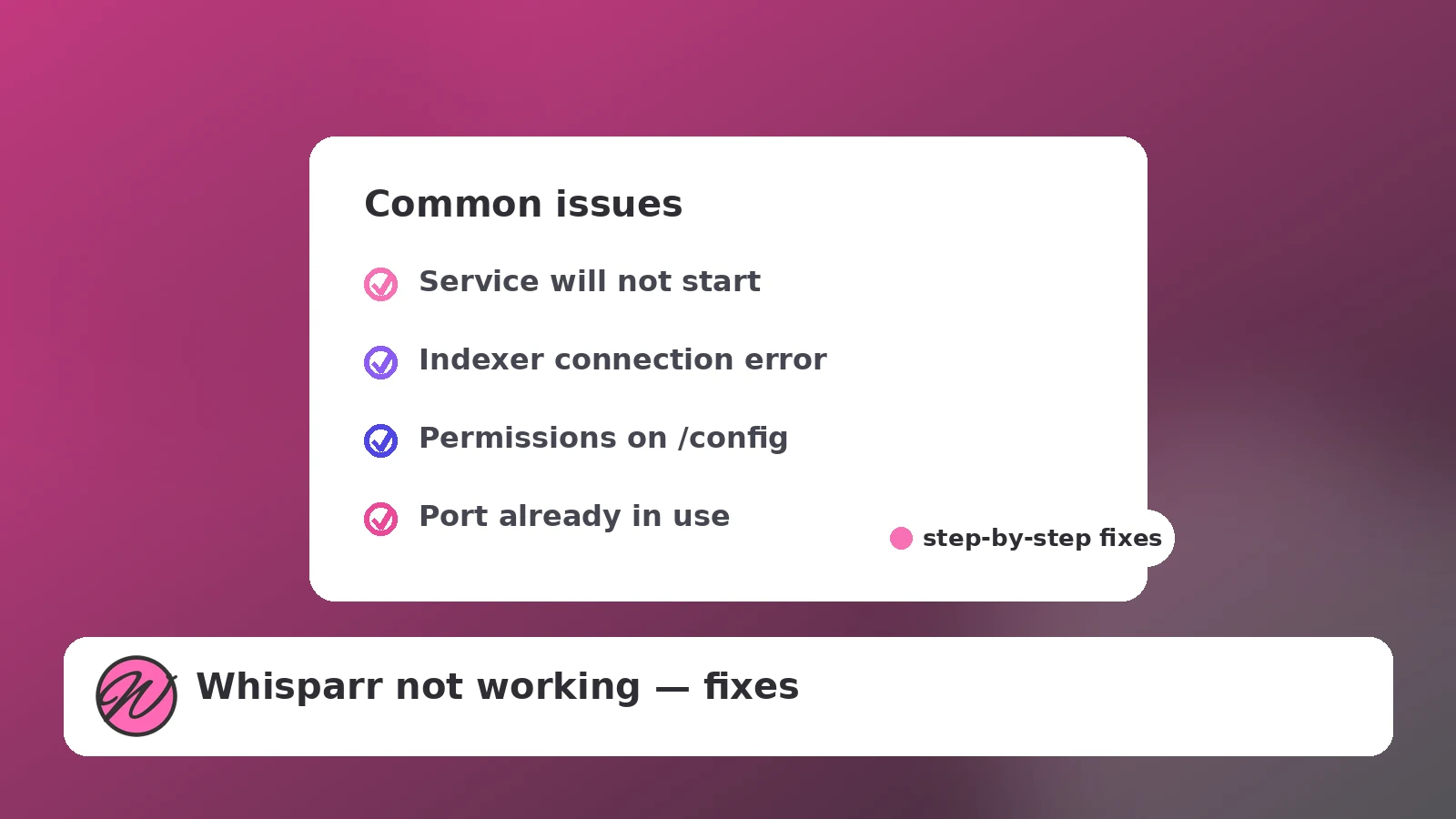
Startup failures, indexer errors, stuck queues and import problems — diagnosed and solved.
Read guide →Answers are grouped into two categories so visitors can quickly understand the tool, download flow, setup basics, and common fixes.
Whisparr is an adult movie collection manager tool. It helps organize a private media library by monitoring wanted items, sending matches to Usenet or BitTorrent download clients, importing completed files, renaming them, and upgrading quality when better releases are available.
Yes. Whisparr is free and open-source software. There are no license keys, paid tiers, or pro versions required to use the core application.
Whisparr is designed for adult movie collections that users manage legally on their own systems. The app focuses on library automation, file organization, metadata-style management, and quality upgrades.
Yes. Whisparr follows the same general workflow as Radarr, Sonarr, Lidarr, and other *arr-style apps, so users familiar with those tools will recognize profiles, root folders, indexers, download clients, queues, and imports.
No. Whisparr is not a standalone downloader. It connects to indexers and then hands approved grabs to a separate download client such as SABnzbd, NZBGet, qBittorrent, or another supported client.
Whisparr can run on common desktop and server platforms, including Windows, Linux, macOS, Docker hosts, TrueNAS SCALE setups, and Synology NAS devices through container-based deployment.
Yes. Prowlarr can manage indexers centrally and sync them to Whisparr. This is helpful when you run multiple automation apps and want indexer settings in one place.
The web interface commonly uses port 6969 by default. In Docker, you can map that internal port to another host port if your server already uses 6969 for something else.
Yes. File renaming and sorting are core features. After a download completes, Whisparr can import the file, apply your naming format, and place it into the correct root folder.
Yes. Whisparr runs on your own computer, server, or NAS. Your configuration, download client connection, and library paths stay inside the environment you control.
Use the download section on this website, which points to the Whisparr repository archive. Avoid unknown mirrors, repacked installers, or download portals that bundle extra software.
Repacked installers can include unwanted files, altered code, or misleading offers. A plain repository archive or trusted container image is safer than a third-party bundle.
Yes. Docker is one of the easiest ways to run Whisparr on a server or NAS. A good Docker setup keeps config files, downloads, and media folders mapped clearly with persistent volumes.
A practical Docker setup usually maps one folder for application config and one shared data folder that both Whisparr and the download client can see. This helps completed downloads import without path errors.
Yes. Whisparr can work with Usenet and BitTorrent workflows when you connect compatible indexers and download clients. The exact setup depends on the services and clients you use.
Whisparr v2 and v3 are different development lines. v2 is widely used, while v3 changes parts of the data model and workflow. Check branch notes before switching an existing setup.
Queue problems are usually caused by download client errors, missing categories, failed indexer grabs, permission problems, or path mismatches between Whisparr and the download client.
Import failures usually happen when Whisparr cannot see the completed file path. In Docker or split-server setups, use consistent volume mappings or remote path mappings so both apps point to the same location.
Do not expose Whisparr directly without protection. Enable authentication, use HTTPS through a reverse proxy, keep the app updated, and prefer VPN access for private home-server dashboards.
Whisparr is a library automation tool. Legality depends on what you download and the laws in your location. Use it only for content you are allowed to access, store, and manage.