Whisparr Docker Setup Guide for Beginners (Step by Step)
Deploy Whisparr as a container in minutes: image choice, volumes, ports and first-run configuration.
Read guide →Download Whisparr without malware risk — a practical, beginner-friendly walkthrough.
Open-source tools attract copycat download sites, and Whisparr is no exception. The software itself is free and its code is public — which means there is never a reason to grab it from a random portal, a “pro version” page or an installer bundle. This checklist keeps your download clean and your setup secure from minute one.
The only download you should trust is the official repository archive (or an official image, if you deploy with Docker). The main button in our download section links directly to the official archive with nothing rehosted or modified. If you arrived at any site offering a Whisparr “setup.exe” bundled with other software, close the tab.
Running Whisparr in a container isolates it from the host system and makes updates atomic. Choose an actively maintained image, pin its tag deliberately, and update on your schedule. Our Docker setup guide covers image selection in detail.
Whisparr is an automation tool, and the responsibility for what you download with it is yours. Laws about content and downloading differ significantly between countries — know the rules that apply in your jurisdiction and configure your indexers and sources accordingly.
The short version: official source, plain archive, authentication on, no port forwarding, config backed up. Five habits, and the risky part of self-hosting disappears.
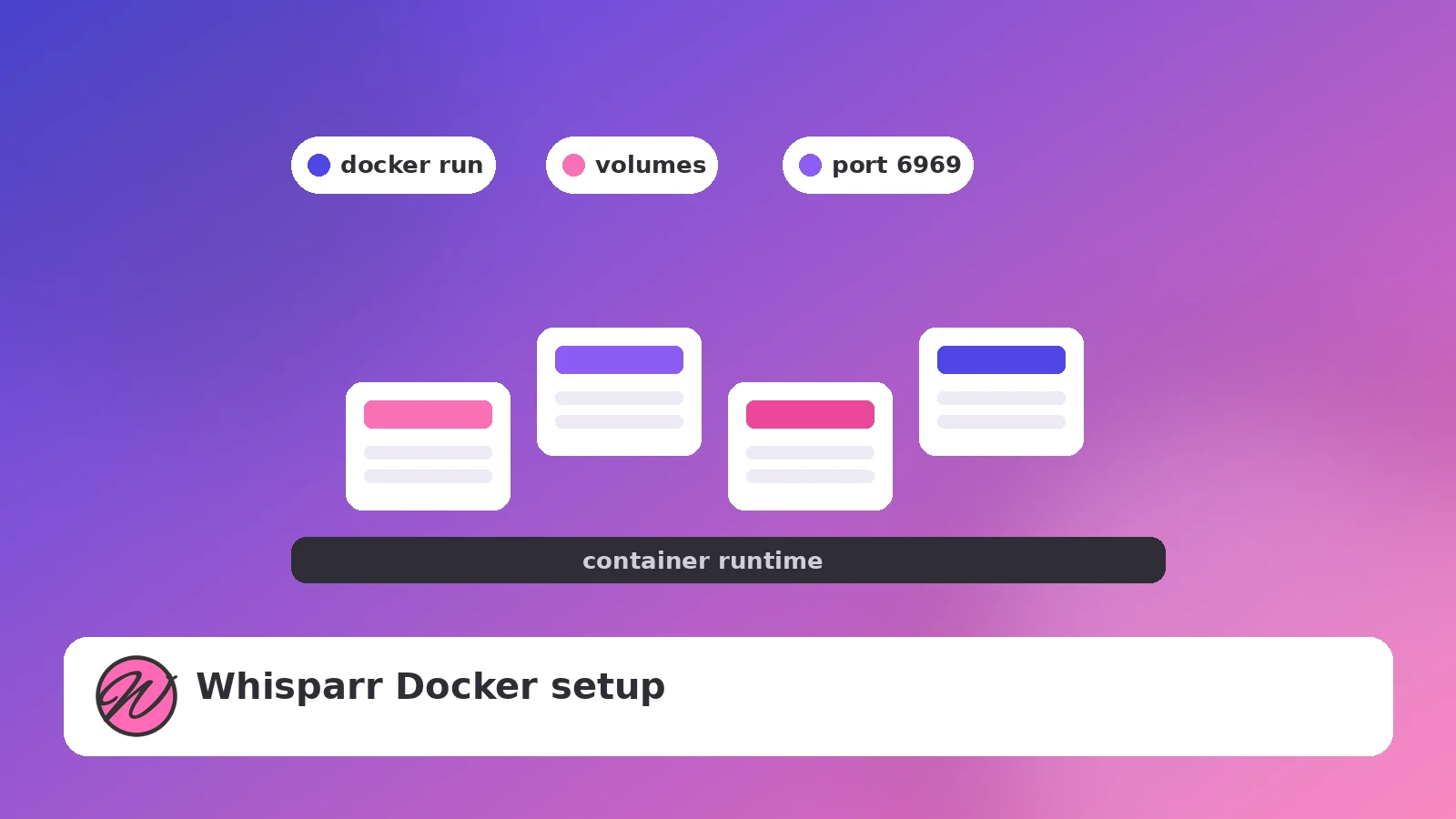
Deploy Whisparr as a container in minutes: image choice, volumes, ports and first-run configuration.
Read guide →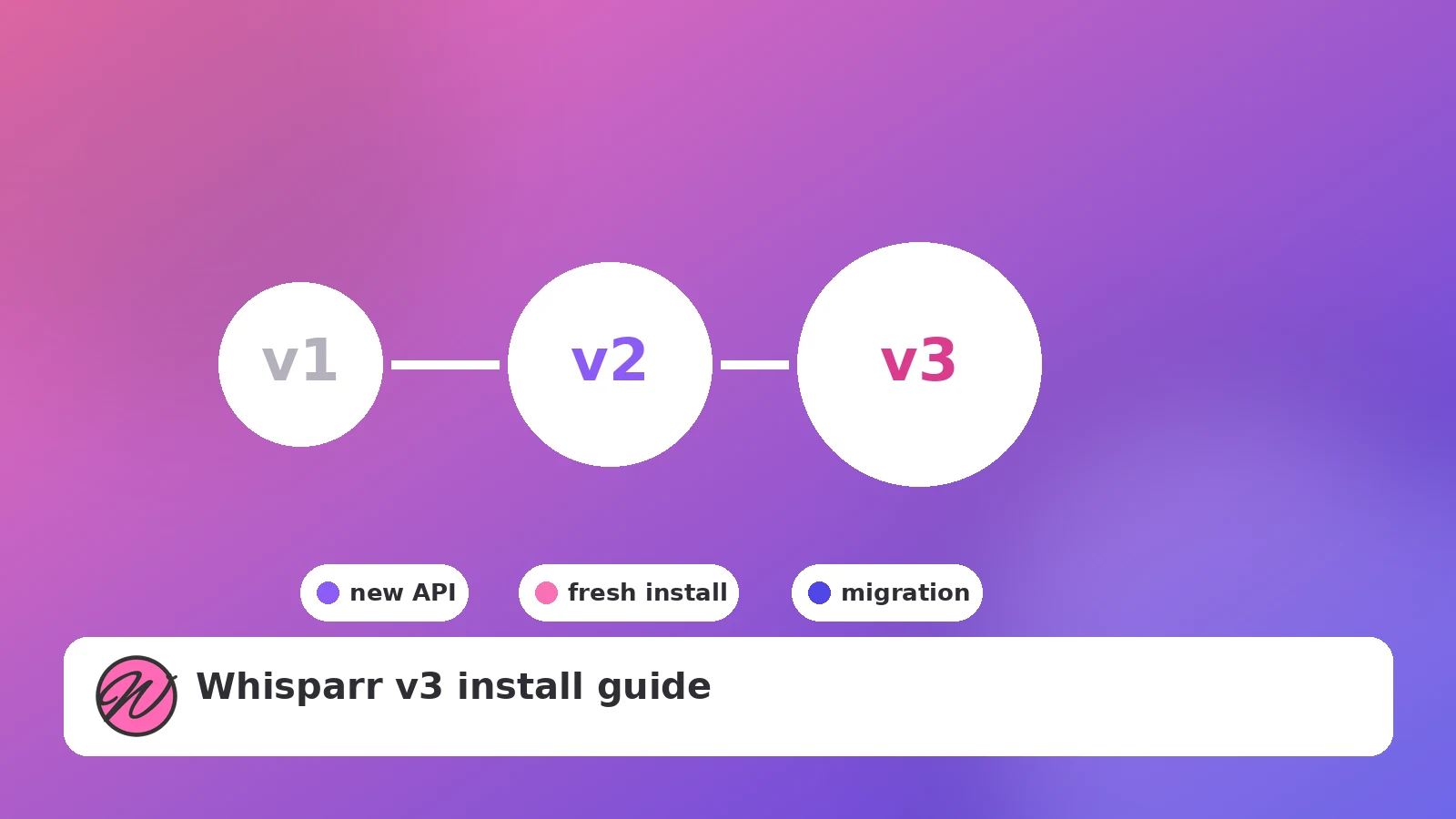
What actually changes between v2 and v3, how to pick a branch, and how to install v3 cleanly.
Read guide →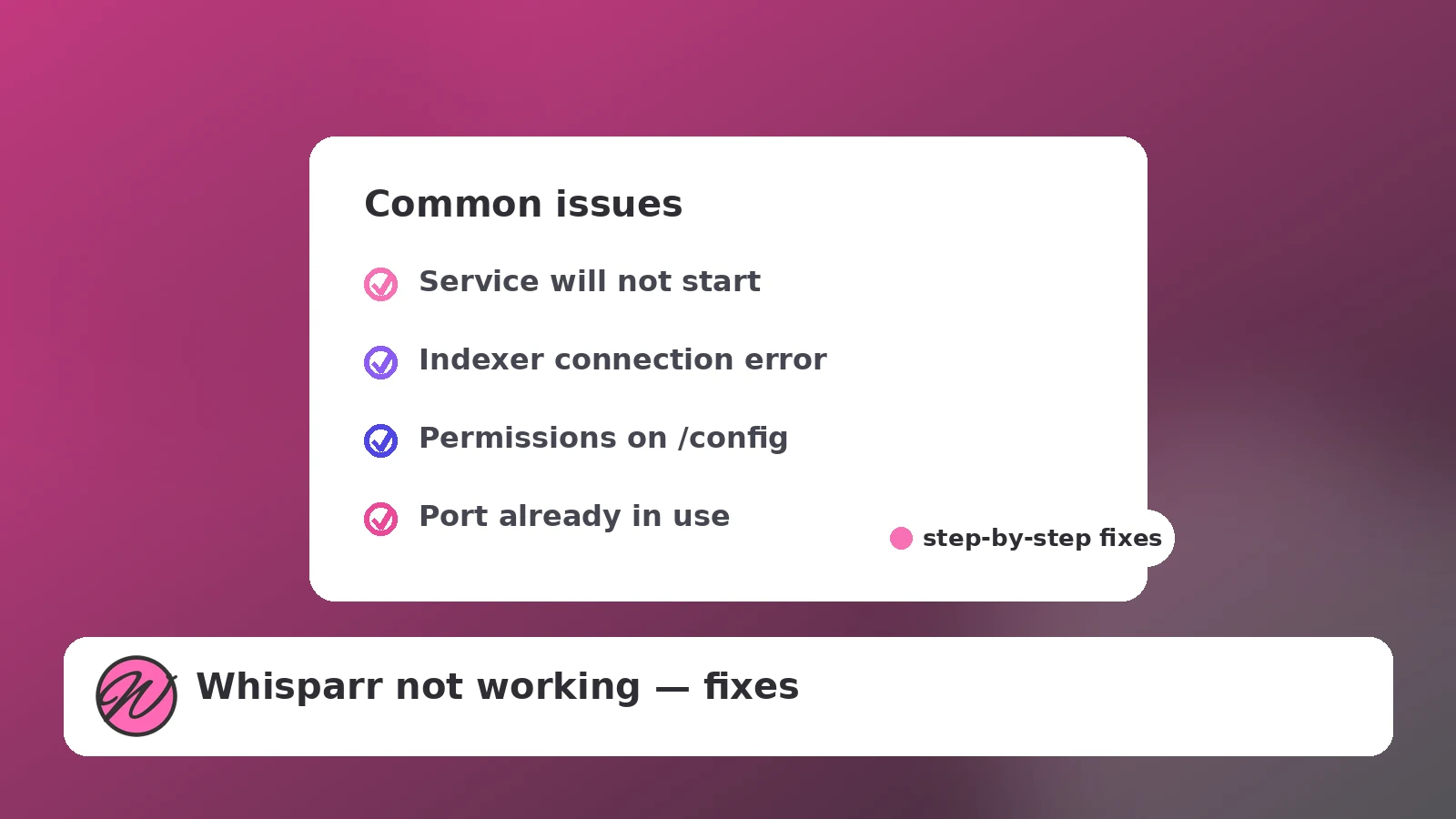
Startup failures, indexer errors, stuck queues and import problems — diagnosed in order.
Read guide →