Whisparr Docker Setup Guide for Beginners (Step by Step)
Deploy Whisparr as a container in minutes: image choice, volumes, ports and first-run configuration.
Read guide →Whisparr, Radarr and Sonarr share one architecture but manage different libraries. See what carries over, what differs, and how to run them side by side. — a practical, beginner-friendly walkthrough.
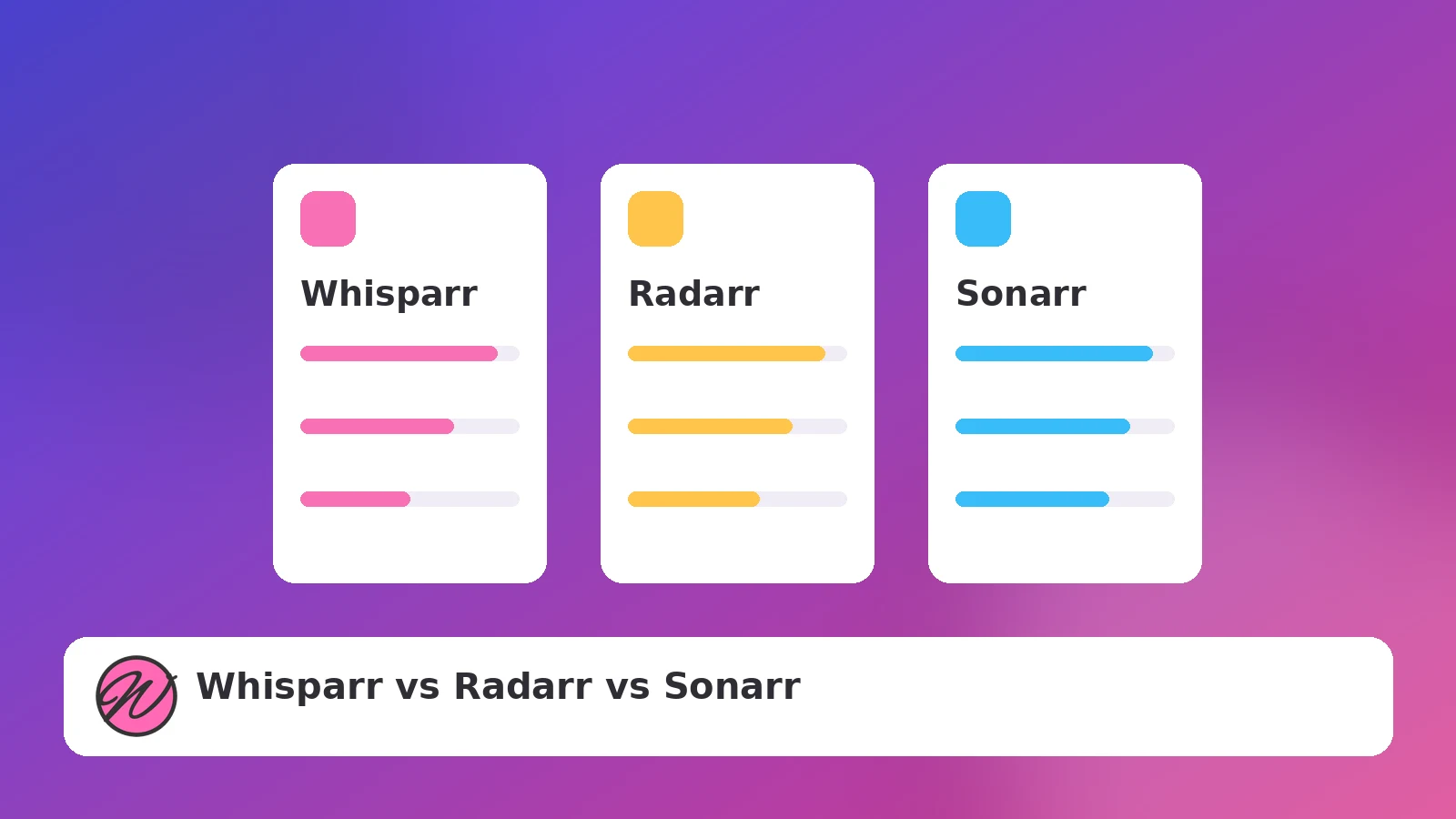
If you found Whisparr, you have probably already met Radarr or Sonarr. All three belong to the *arr family and share the same architecture, which is great news: nearly everything you learned in one applies to the others. The differences come down to what kind of library each app is built to manage.
All *arr apps follow the same loop: monitor a list, search indexers, hand grabs to a download client, then import, rename and upgrade. They share the concepts of quality profiles, root folders, custom formats-style scoring, an Activity queue and a Wanted list, and they all pair with Prowlarr for centralized indexer management. Visually, the web interfaces are close siblings — if you can navigate one, you can navigate them all.
| Sonarr | Radarr | Whisparr | |
|---|---|---|---|
| Library type | TV series (episodes, seasons) | Movies (single items) | Adult media libraries |
| Data model | Series → seasons → episodes | One entry per film | Varies by branch (v2 vs v3) |
| Community size | Very large | Very large | Smaller, active |
| Documentation | Extensive | Extensive | Lighter — sites like this fill the gap |
The practical takeaway: you do not choose between these apps. Each manages a different kind of library, and most people run the ones they need side by side in the same stack.
/config volume, one shared /data parent. Our Docker guide will feel familiar.A tidy multi-app stack gives each app its own config volume and its own download category, but shares one /data mapping and one Prowlarr. Ports typically line up as a sequence (Sonarr 8989, Radarr 7878, Whisparr 6969), which keeps bookmarks memorable and firewall rules simple.
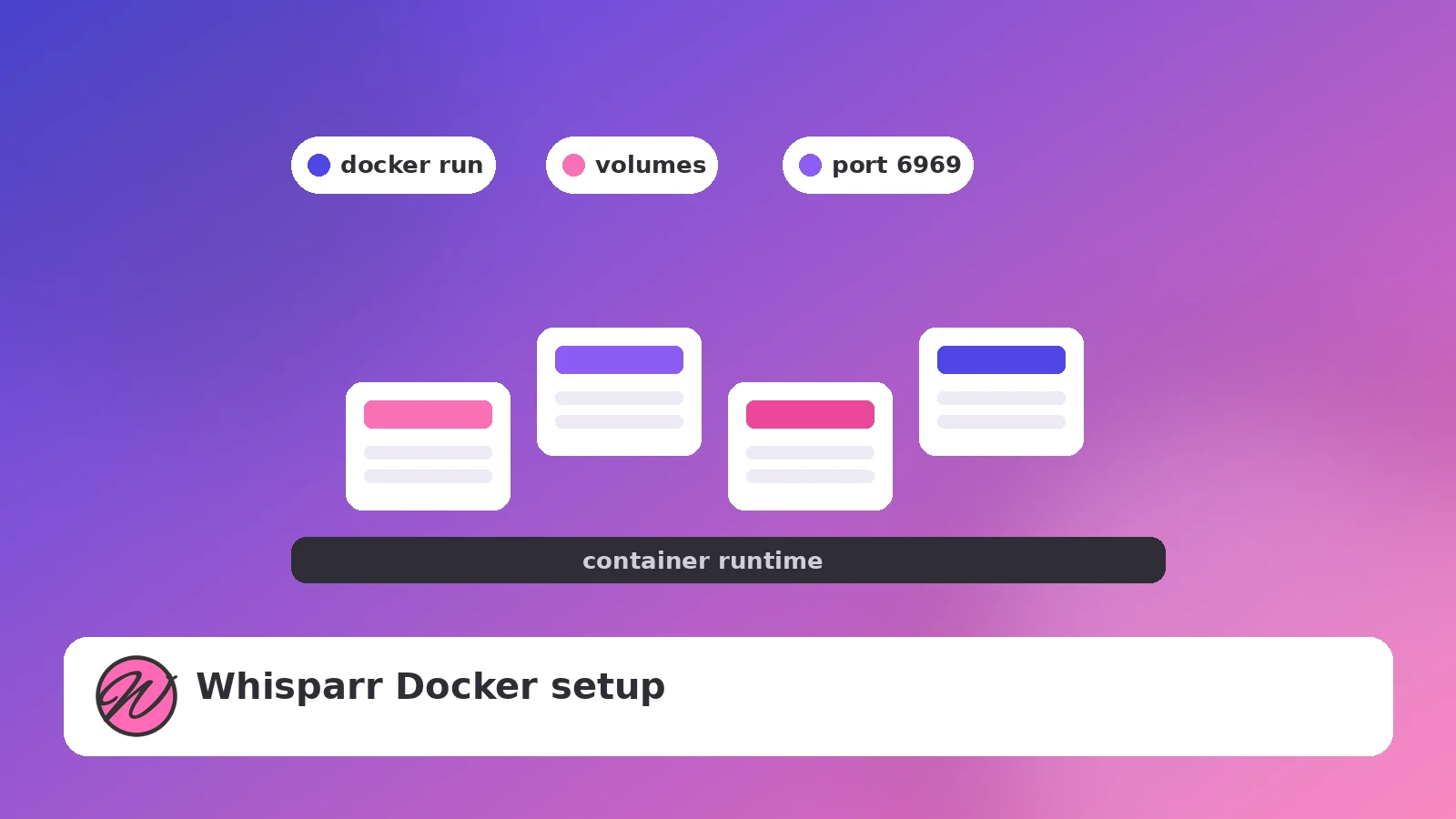
Deploy Whisparr as a container in minutes: image choice, volumes, ports and first-run configuration.
Read guide →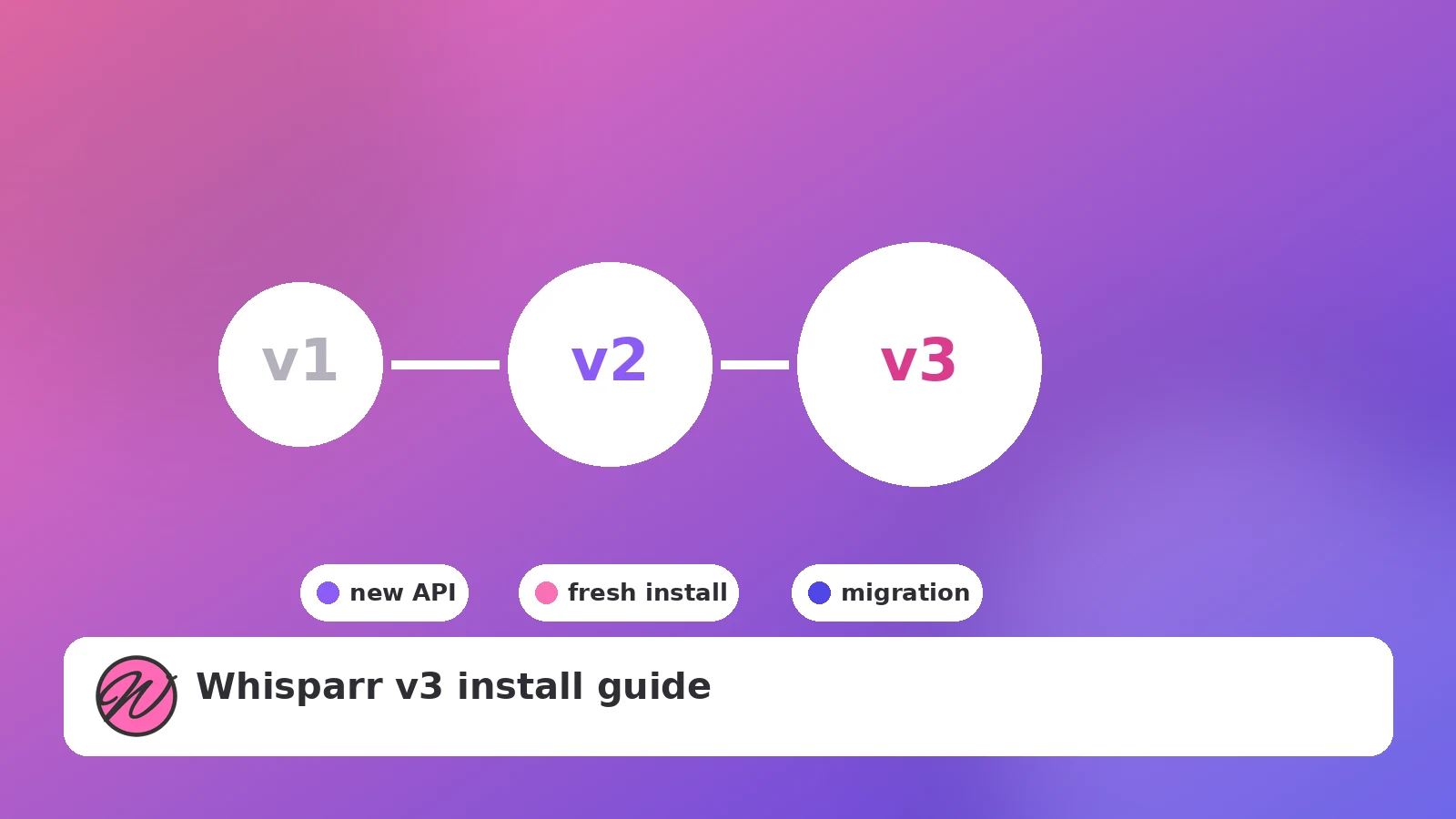
What actually changes between v2 and v3, how to pick a branch, and how to install v3 cleanly.
Read guide →
The post-install settings that decide whether your library stays tidy or turns into churn.
Read guide →